
Managing social media posts across multiple platforms can be time-consuming and inconsistent. AI tools for scheduling social media posts help plan, automate, and publish content at the most effective times, saving effort while improving reach. These tools can analyse audience activity, suggest posting schedules, and even generate content ideas.

By using platforms like Buffer or Ocoya, teams and individuals can keep a steady posting rhythm without constant manual work. Some tools can repurpose existing content for different networks, while others can create entire posts from a single prompt.
With the right setup, scheduling becomes a smooth process rather than a daily task. This allows more time for engaging with the audience and refining content strategy instead of worrying about when to post.
Key Takeaways
- AI scheduling tools save time and improve posting consistency
- Choosing the right platform boosts efficiency and content quality
- Planning ahead reduces stress and supports better engagement
Key Benefits / Why It Matters
AI tools simplify social media management by automating repetitive tasks. They can schedule posts across multiple platforms, reducing the need for manual uploads and freeing up time for other work. This type of social media automation helps maintain a steady posting rhythm.
Automation tools also support brand consistency. By planning content in advance, teams can ensure tone, style, and visuals align with their social media strategy. This creates a more cohesive brand presence across channels.
Many platforms provide audience insights such as peak engagement times and content performance. These insights help adjust posting schedules and improve engagement rates. Some tools, like those featured in AI social media scheduling guides, even suggest the best time to post for each platform.
AI-driven scheduling can also work alongside social listening features. This allows brands to track mentions, monitor trends, and respond to audience feedback in a timely way. Quick responses can improve trust and strengthen social media marketing efforts.
Example of AI scheduling benefits:
| Benefit | How it Helps |
|---|---|
| Time savings | Reduces manual posting work |
| Consistency | Keeps brand voice and style uniform |
| Data-driven decisions | Uses insights to refine posting times |
| Engagement optimisation | Targets audiences when they are most active |
By combining automation with data, these tools enable more efficient and informed content planning. This makes it easier for teams to focus on creative work while still meeting marketing goals.
Step-By-Step or Tips
1. Choose the right tool
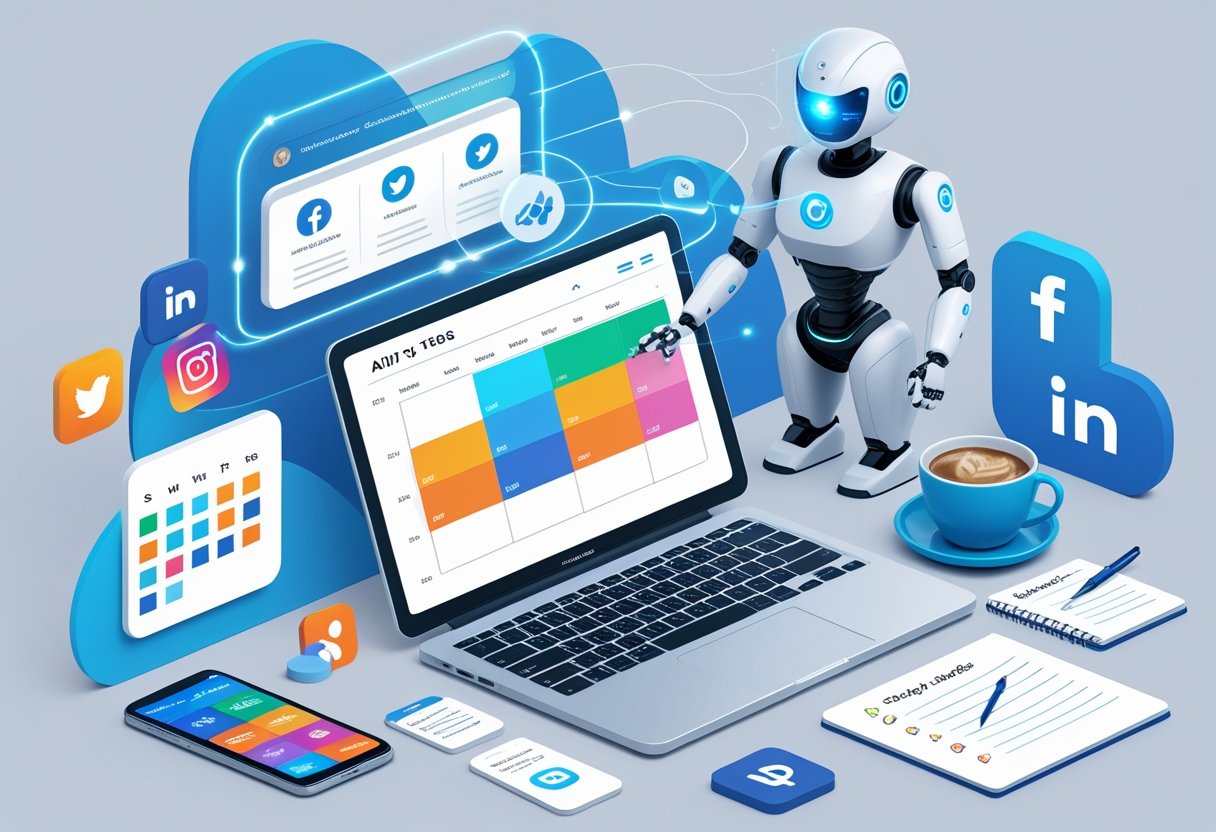
They should start by selecting an AI-powered social media scheduling tool that fits their needs. Key factors include platform support, automation features, and analytics.
2. Connect social media accounts
Most tools allow direct integration with platforms like Facebook, Instagram, LinkedIn, and X (Twitter). This enables scheduling from one dashboard without switching between apps.
3. Plan a content calendar
A clear posting schedule helps maintain consistency. Users can map out posts weekly or monthly, aligning with campaigns or events.
| Step | Action | Benefit |
|---|---|---|
| 1 | Select a tool | Matches features to goals |
| 2 | Link accounts | Centralises management |
| 3 | Create calendar | Improves consistency |
| 4 | Optimise timing | Boosts visibility |
| 5 | Monitor results | Informs strategy |
4. Optimise posting times
AI tools can suggest the best times to post based on audience activity. For example, Buffer’s scheduling tools analyse engagement patterns and recommend optimal slots.
5. Use automation features
Features like bulk upload, post recycling, and AI-generated captions can save time. Tools such as Mydrop AI offer automated publishing to multiple platforms at once.
6. Monitor and adjust
They should review analytics to see which posts perform best. This data helps refine future scheduling and content choices.
Tip: Keep a balance between automated and manual posting to maintain authenticity and timely engagement.
Tools / Resources
Several AI tools for social media can help teams plan, schedule, and optimise posts across multiple platforms. These tools vary in features, pricing, and integrations, making it important to choose based on specific needs.
Hootsuite remains a well-known option for scheduling, monitoring, and reporting. It offers features like best-time-to-post recommendations and an AI caption assistant. More details are available in this review of the top social media scheduling tools for creators.
Buffer provides a simple interface for scheduling posts and tracking engagement. It also includes an AI-powered post creator to help generate captions quickly.
SocialBee focuses on content categorisation, allowing users to organise posts by topic or campaign. It supports evergreen recycling so that high-performing posts can be reused.
Sprout Social offers advanced analytics, social listening, and team collaboration features. It is suitable for larger teams that need detailed reporting alongside scheduling.
Zoho Social integrates well with other Zoho business tools, making it useful for those already in that ecosystem. It supports bulk scheduling and real-time monitoring.
HubSpot includes social media scheduling as part of its marketing hub. This makes it convenient for users who also manage email marketing and CRM through HubSpot.
Sendible is designed for agencies and allows managing multiple client accounts. It offers custom reporting and integrates with platforms like Canva for content creation.
| Tool | Key Feature | Best For |
|---|---|---|
| Hootsuite | AI caption assistant | All-in-one management |
| Buffer | AI post creator | Simple scheduling |
| SocialBee | Content categorisation | Organised posting |
| Sprout Social | Advanced analytics | Large teams |
| Zoho Social | Bulk scheduling | Zoho ecosystem users |
| HubSpot | Marketing hub integration | Multi-channel marketing |
| Sendible | Client account management | Agencies |
Common Mistakes To Avoid

Using AI tools for scheduling can save time, but certain errors reduce their effectiveness. Being aware of these mistakes helps maintain consistent and relevant social media activity.
1. Over-automation
Relying too heavily on automation can make posts feel impersonal. Audiences expect some level of human interaction. According to PR Daily, ignoring live engagement risks lowering trust and connection.
2. Ignoring platform differences
Each social media platform has unique formats, audiences, and posting best practices. Using the same content everywhere without adjustments can hurt performance. ContentStudio notes that tailoring posts to each platform improves relevance.
3. Failing to review scheduled posts
Scheduling far in advance without checking for changes in events or trends can cause outdated or inappropriate content to go live. Regular reviews help avoid these mistakes.
4. Lack of content variety
Posting only promotional material can reduce engagement. A balanced mix of educational, entertaining, and promotional content works better.
5. Ignoring analytics
AI tools often provide performance data. If teams do not review this information, they miss opportunities to refine their approach.
| Mistake | Potential Impact | Prevention Tip |
|---|---|---|
| Over-automation | Lower engagement | Add real-time interactions |
| Ignoring platform differences | Poor reach | Customise content per platform |
| Not reviewing posts | Outdated or irrelevant content | Check schedules weekly |
| Limited content mix | Audience fatigue | Rotate content types |
| Skipping analytics | Missed insights | Review reports regularly |
Final Tips / Call To Action
Before choosing an AI scheduling tool, they should define their goals. This includes knowing how often to post, which platforms to target, and the type of content to share. Clear goals make it easier to compare features and pricing.
They can start with a free trial before committing to a paid plan. Many platforms such as Ocoya and Post Planner allow testing of scheduling, analytics, and automation features.
Key points to remember:
- Check if the tool supports all required social networks.
- Look for analytics to track performance.
- Ensure it offers flexible scheduling options.
- Consider integration with other business tools.
A simple comparison table can help decision-making:
| Feature | Basic Tools | Advanced AI Tools |
|---|---|---|
| Multi-platform posts | Sometimes | Yes |
| Best-time suggestions | No | Yes |
| Content creation | Limited | Yes |
| Analytics | Basic | Detailed |
They should review their posting schedule regularly. AI can suggest optimal times, as seen in tools like Sunokrom’s Smart Scheduler, but human oversight ensures posts remain relevant and timely.
Finally, they should keep testing and refining their approach. Even the best AI tool works best when combined with consistent monitoring and small adjustments based on results.
Frequently Asked Questions
AI-based scheduling tools can save time, improve posting consistency, and help target the best times for engagement. Some platforms also provide built-in content creation features, while others focus on analytics and automation to refine strategy.
What are the top free tools for scheduling social media content?
Several platforms offer free plans with basic scheduling features. Tools like PostQuick and Buffer allow users to queue posts for multiple platforms. These free tiers often have limits on the number of scheduled posts or connected accounts.
How does Hootsuite enhance social media post scheduling?
Hootsuite supports scheduling across multiple platforms from one dashboard. It provides calendar views, bulk scheduling, and analytics to track performance. Its AI features can suggest optimal posting times based on audience activity.
Are there any AI platforms that generate social media content at no cost?
Some AI tools provide limited free access to content generation features. For example, certain platforms in the best AI tools for social media category offer trial versions that create captions or suggest hashtags. These free options usually have daily or monthly usage caps.
What are the benefits of using AI for creating social media posts?
AI can speed up content creation by generating text, images, or video snippets. It can also adapt content for different platforms and audiences. This reduces repetitive work and allows teams to focus on strategy and engagement.
How can SocialBee improve my social media management strategy?
SocialBee offers category-based scheduling, which helps balance different types of content. It also recycles evergreen posts to maintain a steady presence. Integration with multiple networks makes it easier to manage campaigns from one place.
What features should I look for in an AI social media manager?
Key features include multi-platform scheduling, AI-driven content suggestions, and analytics to measure results. Integration with design tools can streamline visual creation. Automation for post recycling and optimal time posting can further improve efficiency.