
AI-powered task management helps organise work, reduce manual effort, and keep priorities clear. These tools use automation to handle repetitive tasks, schedule work, and track progress so that more time can be spent on important decisions. By using AI to manage tasks, individuals and teams can work more efficiently and focus on what matters most.

From automated scheduling to intelligent prioritisation, platforms like ClickUp AI and Motion adapt to changing workloads and deadlines. They provide real-time updates, predict possible delays, and suggest the best way to allocate time. This makes it easier to stay on track without constant manual adjustments.
The right AI task manager can streamline workflows for both personal and professional projects. It can also help prevent common productivity issues, such as missed deadlines or duplicated work, by keeping everything in one organised system.
Key Takeaways
- AI tools automate routine tasks to save time
- Smart scheduling and prioritisation improve efficiency
- Centralised systems reduce errors and missed deadlines
Key Benefits / Why Boosting Productivity With AI-Powered Task Management Matters
AI-powered task management helps teams and individuals organise work more effectively. It automates repetitive steps, reducing the time spent on manual scheduling and updates.
By using AI to prioritise tasks, users can focus on the most important work first. Tools can analyse deadlines, workload, and dependencies to create an optimised plan.
Automation also supports better collaboration. Many AI platforms integrate with existing communication tools, helping teams share updates and track progress in real time.
Key benefits include:
- Time savings through workflow automation
- Improved task prioritisation based on data
- Reduced human error in scheduling and tracking
- Seamless integration with existing tools
| Benefit | How AI Supports It |
|---|---|
| Time Efficiency | Automates routine tasks and reminders |
| Accuracy | Reduces missed deadlines and duplicate work |
| Flexibility | Adjusts plans when priorities change |
| Collaboration | Centralises updates for all team members |
AI can also provide insights into productivity trends. For example, some systems identify bottlenecks and suggest adjustments to improve workflow efficiency.
When integrated into daily routines, AI task managers can help maintain focus and reduce context switching. This creates a more consistent and manageable workload.
Many organisations adopt AI task management to support both remote and in-office teams. Platforms such as those described in AI task management guides show how automation can streamline operations without replacing human decision-making.
Step-By-Step Or Tips
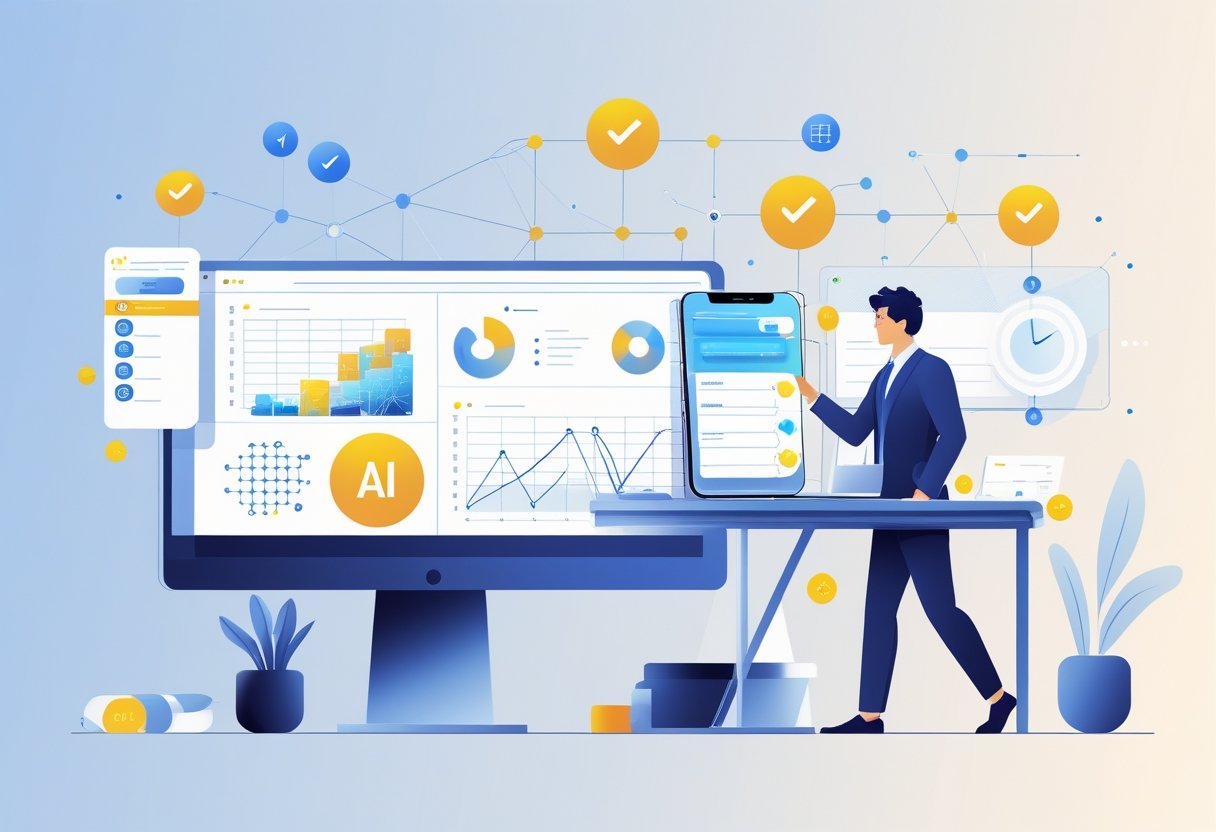
1. Identify repetitive tasks
They should start by listing tasks done daily or weekly. These may include scheduling, email sorting, or generating reports. AI tools can then be matched to these tasks for automation.
2. Choose the right AI tool
Selecting the right platform is key. Options like Todoist and ClickUp offer AI-powered to-do lists, while Asana and Trello AI help with project tracking.
3. Set clear priorities
AI can rank tasks based on deadlines and importance. This helps ensure important work is completed first without constant manual sorting.
4. Integrate with existing tools
Linking AI task managers with calendars, email, and file storage keeps all work connected. Tools like Zapier can automate movement of information between apps.
5. Monitor and adjust
They should review AI suggestions regularly. Adjusting settings improves accuracy and ensures the system fits their workflow.
| Step | Action | Example Tool |
|---|---|---|
| 1 | List repetitive tasks | Manual checklist |
| 2 | Pick AI platform | ClickUp, Todoist |
| 3 | Prioritise tasks | Asana AI |
| 4 | Integrate tools | Zapier |
| 5 | Review and refine | Weekly check |
6. Use AI for summaries
AI can create short summaries of meetings, emails, or documents. This saves time spent reading long content.
7. Keep learning features
Many AI tools release updates. Staying informed ensures they use the latest functions to improve task management.
Tools / Resources
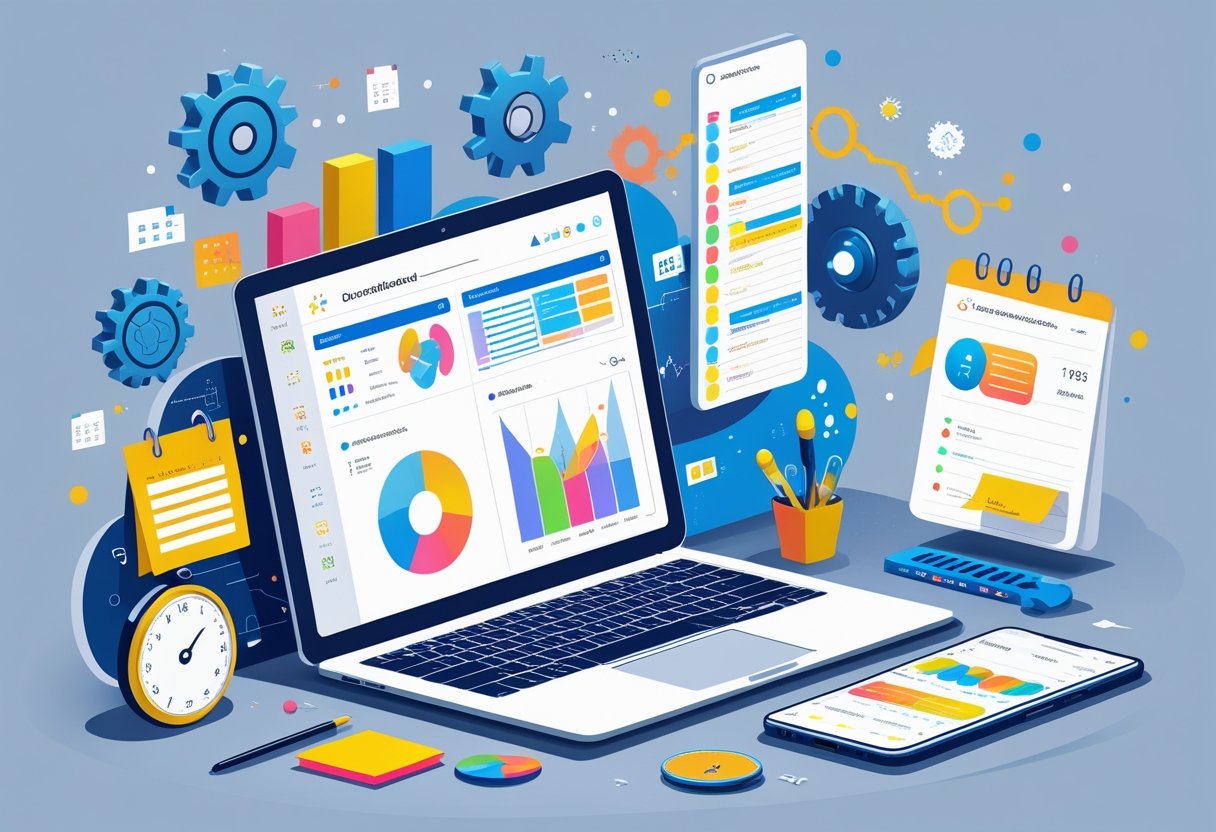
AI-powered task management tools help users organise work, automate routine tasks, and manage time more effectively. Many options are available for individuals, teams, and businesses of all sizes.
Popular AI Task Managers include:
- ClickUp – Combines task tracking, AI writing assistance, and automation features.
- Motion – Uses AI to plan schedules and prioritise tasks automatically.
- Reclaim AI – Optimises calendars by finding the best time for meetings and focus work.
These tools often integrate with email, calendars, and project platforms, reducing the need to switch between apps.
| Tool | Key Feature | Best For |
|---|---|---|
| ClickUp | Task, doc, and goal management in one app | Teams needing flexibility |
| Motion | AI-based scheduling and prioritisation | Busy professionals |
| Reclaim AI | Calendar automation | Time-blocking workflows |
Other AI productivity platforms, such as those listed in the Otter.ai guide to AI productivity tools, also support writing, content creation, and workflow automation.
When choosing a tool, users should consider integration options, ease of use, and pricing. Testing a free trial can help determine if the AI features match specific needs.
Some platforms also offer mobile apps, making it easier to manage tasks on the go. This can be useful for users who travel frequently or work remotely.
Common Mistakes To Avoid
Many teams rush into AI adoption without a clear plan. Lack of strategy can lead to wasted resources and poor results. AI works best when it supports specific, measurable goals.
Over-reliance on AI is another common issue. While AI can automate tasks, it cannot replace human judgement. Without oversight, it may create misaligned priorities or overlook risks.
Poor data quality can reduce AI’s effectiveness. If the input data is incomplete or inaccurate, the output will be unreliable. Teams should regularly review and clean their data before automation.
Automating the wrong processes can also slow productivity. According to experts, some tasks are better handled manually, especially when they require creativity or complex decision-making.
| Mistake | Why It’s a Problem | How to Avoid It |
|---|---|---|
| No clear strategy | Leads to unfocused automation | Define goals before implementation |
| Over-reliance on AI | Misses human context | Keep human review in workflows |
| Poor data quality | Produces inaccurate results | Maintain clean, accurate data |
| Wrong processes automated | Reduces efficiency | Select tasks suited for automation |
Security and privacy concerns are often overlooked. Some AI productivity tools store sensitive information, which may create compliance risks if not managed properly.
Finally, failing to measure performance can hide problems. Tracking return on investment helps identify whether AI is truly improving productivity or simply adding complexity.
Final Tips / Call To Action
To get the most from AI-powered task management, it helps to start small and build habits over time. They can begin with one or two tools that fit their current workflow before adding more features.
Practical steps to take now:
- Identify tasks that are repetitive or time-consuming.
- Test one AI tool for scheduling or task tracking.
- Review results after one week and adjust settings.
They can explore AI-driven scheduling to reduce meeting conflicts and free up focus time. Tools with automated prioritisation can help them decide which tasks to tackle first based on deadlines and workload.
| Goal | AI Feature to Try | Example Tools |
|---|---|---|
| Reduce admin work | Automated scheduling | AI-driven calendars |
| Stay organised | Smart task lists | AI-powered task managers |
| Improve writing | AI writing assistants | Grammarly, Jasper |
It is important to regularly check how well the AI tools are meeting their needs. If a tool is not saving time or improving organisation, they should try a different option.
By taking consistent action and reviewing progress, they can steadily improve efficiency and reduce wasted effort with AI-powered task management.
Frequently Asked Questions
AI-powered task management tools help users organise work, automate repetitive tasks, and focus on activities that need human attention. They can also adapt to individual work styles, making them useful for professionals, students, and developers alike.
What are the top AI tools currently available for enhancing productivity?
Popular options include Todoist with AI features, Motion, and Reclaim. These tools can schedule tasks, prioritise workloads, and provide reminders based on user habits.
Team-focused platforms like Teamhood also use AI to streamline workflows and improve collaboration. They reduce manual updates by automatically tracking progress and adjusting plans.
How can AI tools be effectively integrated into daily task management?
Users can start by connecting AI tools to their existing calendars, communication apps, and project boards. This allows the AI to analyse schedules and suggest optimised plans.
Features such as automated scheduling and real-time updates help ensure tasks remain aligned with deadlines and priorities.
What are the best AI productivity tools for students and how do they assist in academic tasks?
Students benefit from AI tools like Notion AI, which can summarise notes, generate study guides, and create revision schedules.
Some platforms can also suggest optimal study times and break periods, improving focus and retention. This makes them useful for managing coursework, research, and exam preparation.
Can you recommend any cost-free AI solutions that boost productivity for professionals?
Free versions of tools like Trello with AI add-ons, Google Tasks with AI integrations, and Reclaim offer basic automation features without subscription fees.
These can handle task reminders, meeting scheduling, and simple workflow management while keeping costs low.
In what ways do AI-powered tools contribute to improving developer efficiency?
AI assistants can generate code snippets, detect bugs, and suggest optimisations. They also help track project timelines and manage version control.
By automating repetitive coding tasks, developers can focus on solving complex problems and delivering features faster.
How does AI influence task prioritisation and time management for better productivity?
AI analyses factors such as due dates, task complexity, and workload patterns to recommend the order in which tasks should be completed.
Tools like Taskade can also adjust schedules dynamically when priorities change, helping users stay on track without constant manual updates.