
Managing administrative work can take up hours each week, leaving less time for important projects. AI tools now make it possible to handle routine tasks like scheduling, data entry, and email responses without constant oversight. By automating repetitive processes, teams can save time, reduce errors, and focus on higher-value work.
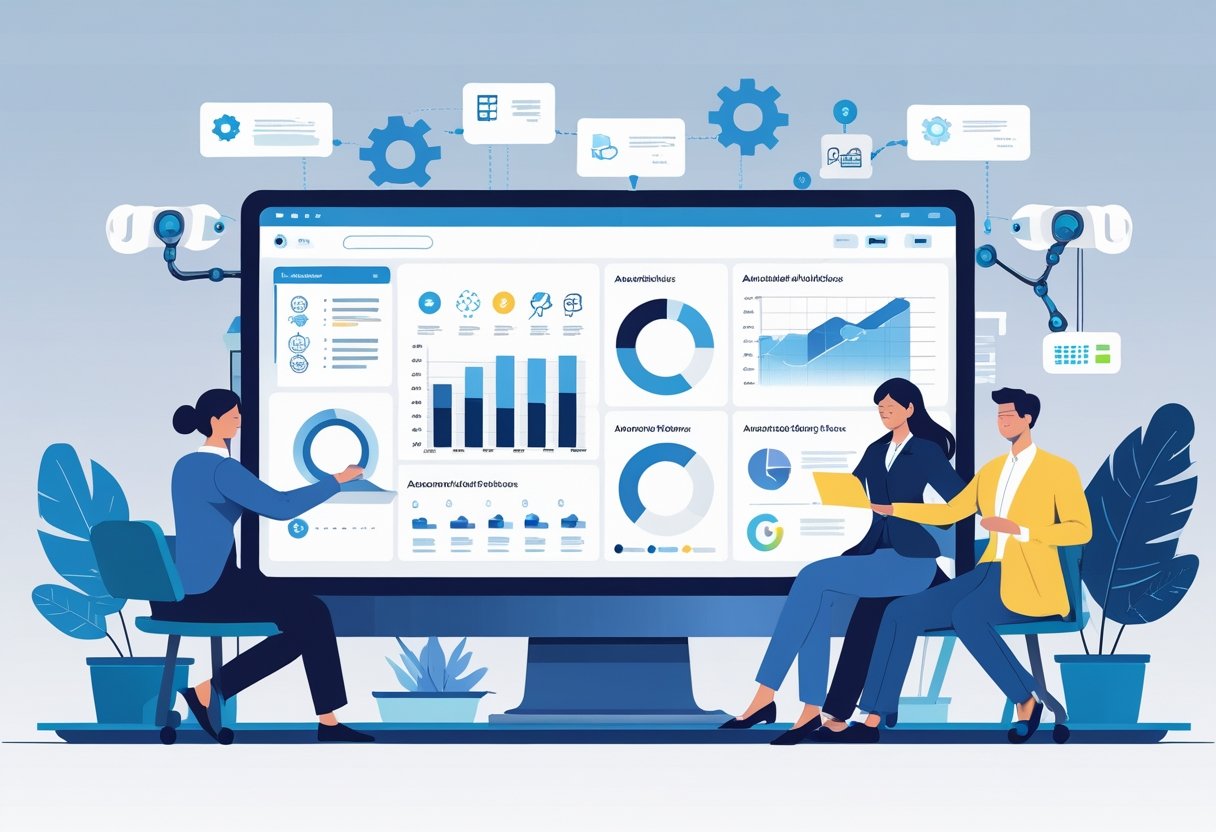
From simple email autoresponders to advanced AI workflow automation tools, there are practical options for businesses of all sizes. These tools can integrate with calendars, project management systems, and communication platforms to keep operations running smoothly with minimal manual effort.
Whether it’s using AI to manage meeting bookings, process documents, or track tasks, adopting the right solutions can transform daily operations. With the right approach, automation becomes a reliable partner in keeping work organised and efficient.
Key Takeaways
- Automating routine admin tasks saves time and reduces errors
- The right AI tools integrate seamlessly with existing workflows
- A clear plan ensures automation supports business goals effectively
Key Benefits / Why It Matters

Using artificial intelligence for administrative tasks helps organisations save time and reduce manual effort. AI can handle repetitive work such as scheduling, email responses, and data entry with consistent accuracy.
One major advantage is efficiency. Tools that use natural language processing can read, interpret, and respond to messages quickly. This reduces delays and frees staff to focus on higher-value work.
Cost reduction is another benefit. Automating tasks lowers the need for extra administrative staff hours. According to AI for Administrative Tasks, automation can also reduce costly human errors in data handling.
AI-driven systems can operate 24/7 without fatigue. This ensures that routine processes like report generation or appointment reminders happen on time, even outside office hours.
The table below shows common benefits and examples:
| Benefit | Example Task Automated |
|---|---|
| Time savings | Auto-filling forms and updating records |
| Accuracy | Checking data entries for errors |
| Faster responses | Drafting quick, relevant customer emails |
| Consistency | Sending scheduled reminders without delays |
Some AI tools adapt over time. They learn from past inputs to improve their suggestions and responses. This makes them more effective the longer they are in use.
By integrating AI for administrative tasks, organisations can streamline workflows, improve communication, and maintain reliable processes with minimal manual oversight.
Step-By-Step Or Tips

Start by identifying repetitive tasks that take up the most time. Common examples include scheduling meetings, sending follow-up emails, and updating spreadsheets. These are often the easiest to automate with AI.
Next, choose AI tools that support workflow automation. Platforms like scheduling assistants, document management systems, and email automation tools can help. For example, using AI to automate administrative tasks can reduce manual input and improve accuracy.
Set clear rules for each automation. Define triggers, actions, and outcomes so the AI knows exactly what to do. For instance, when a form is submitted, the system could extract the data, store it in a database, and notify the team.
Use AI for task prioritisation. Some workflow tools can rank tasks by urgency or importance, helping teams focus on what matters most each day. This reduces decision fatigue and keeps work on track.
When dealing with large amounts of information, apply data extraction features. AI can scan documents, pull out key details, and place them into the correct fields without manual copying.
A simple checklist can help track progress:
| Step | Action | Example Tool |
|---|---|---|
| 1 | Identify repetitive tasks | Time-tracking software |
| 2 | Select automation tools | AI scheduling assistant |
| 3 | Set rules and triggers | Workflow platform |
| 4 | Prioritise tasks | Task management app |
| 5 | Extract and store data | Document AI tool |
Test each automation before rolling it out fully. This ensures it works correctly and avoids errors in daily operations.
Tools / Resources
Several AI tools can help automate repetitive administrative work. They reduce time spent on routine tasks and allow teams to focus on higher-value activities.
Zapier connects different apps and automates workflows without coding. It can trigger actions, such as sending emails or updating spreadsheets, when certain events occur.
Otter.ai uses speech-to-text technology to record and transcribe meetings. Teams can search transcripts, highlight key points, and share notes quickly.
SaneBox filters emails automatically, moving low-priority messages into separate folders. This helps users keep their inbox focused on important communication.
AI chatbots can answer common questions, handle appointment bookings, and route customer requests. They work across websites, messaging apps, and internal systems, reducing the need for manual responses.
Microsoft 365 includes built-in AI features such as meeting summaries, suggested replies, and automated scheduling. These tools integrate with Outlook, Teams, and other Microsoft apps.
| Tool | Main Use Case | Key Benefit |
|---|---|---|
| Zapier | Workflow automation | Saves time by linking apps automatically |
| Otter.ai | Meeting transcription | Makes meetings searchable and shareable |
| SaneBox | Email filtering | Keeps inbox organised |
| AI chatbots | Customer and staff support | Handles routine queries instantly |
| Microsoft 365 | Productivity suite automation | Improves efficiency across daily tasks |
For more options, users can explore AI tools for admin and time management or review top AI tools for administrative professionals.
Common Mistakes To Avoid
Many teams rush into AI automation without clear planning. Trying to automate everything at once often leads to confusion, wasted time, and poor results. Starting small with simple, repetitive tasks is usually more effective.
Some businesses focus on tasks that are too complex or offer little return. It is better to begin with high-volume, rules-based work that delivers measurable benefits. This approach helps avoid the low ROI issues seen in AI automation pitfalls.
Lack of quality data is another common problem. AI tools rely on accurate, well-structured information. Poor or incomplete data can cause errors, reduce efficiency, and create mistrust in the system.
Key mistakes to watch for:
- Automating without clear goals or metrics
- Choosing the wrong tasks to automate
- Ignoring data quality and structure
- Failing to train staff on new tools
- Overlooking the need for ongoing monitoring
Some organisations treat AI as a “set and forget” tool. In reality, AI automation needs regular review and adjustment. Without this, performance can decline over time, as seen in common mistakes with AI-powered workflow tools.
A simple table can help track risks and actions:
| Mistake | Impact | Preventive Action |
|---|---|---|
| Automating too much at once | Overload, delays | Start with small projects |
| Poor data quality | Errors, inefficiency | Clean and organise data first |
| No staff training | Low adoption | Provide clear guidance and support |
Final Tips / Call To Action
Before starting, they should identify which administrative tasks take the most time. Prioritising these makes automation more effective and easier to measure.
They can begin with low‑risk, repetitive tasks such as scheduling, email sorting, or basic data entry. Tools like AI calendar assistants or inbox managers are often quick to set up and require little training.
When selecting tools, it helps to compare features, costs, and ease of integration. A simple table can guide decision‑making:
| Task Type | Example AI Tool | Key Benefit |
|---|---|---|
| Scheduling | Calendar AI | Reduces manual booking |
| Email Management | Inbox AI | Sorts and flags messages |
| Document Drafting | Text Generator | Speeds up writing tasks |
They should test each tool with a small set of tasks first. This reduces disruption and allows adjustments before wider use.
Regular reviews are important. AI systems can improve over time, but only if settings and workflows are updated to match changes in the business.
For better results, they may combine AI with existing workflow platforms. For example, administrative automation can link scheduling, document sharing, and reporting in one place.
Finally, they should train team members to use the tools correctly. Even the best AI will not deliver value if staff do not know how to work with it.
Frequently Asked Questions
AI tools can handle scheduling, communication, and data entry with high accuracy. They also help administrative staff save time by automating repetitive processes and improving task tracking.
What are the top AI tools currently available for enhancing administrative efficiency?
Popular options include Lindy for workflow automation, Numerous for task management, and Jotform’s AI tools for form processing.
These platforms offer features such as automated reminders, meeting scheduling, and document organisation. They are designed to integrate smoothly with common office software.
How can artificial intelligence be integrated into daily administrative workflows?
Teams can integrate AI by connecting it to email, calendars, and project management tools. For example, AI can automatically log meeting notes, send follow-up emails, and update task boards.
Using automation for administrative work reduces the need for manual data entry and repetitive communication.
What are the benefits of employing AI virtual assistants for executive support?
AI virtual assistants can schedule meetings, filter emails, and prepare reports. This allows executives to focus on decision-making rather than routine coordination.
They can also provide real-time information and reminders, ensuring important deadlines are not missed.
Which applications are recommended for administrative assistants seeking to adopt AI technology?
Administrative assistants may benefit from tools like Dropbox Dash for quick file search, Cflow for workflow automation, and Clyde Offices’ AI suggestions for small business support.
These applications are designed to be easy to set up and require minimal technical skills.
How can custom AI assistants transform workplace productivity for administrative professionals?
Custom AI assistants can be trained on company-specific data to handle unique workflows. They can manage internal requests, prepare standard documents, and answer routine staff queries.
This reduces the time spent on repetitive communication and improves turnaround for common tasks.
In what ways can AI streamline routine administrative tasks and reduce manual workload?
AI can automate calendar updates, invoice processing, and report generation. It can also flag potential errors in data entry before they cause delays.
By using AI automation, administrative teams can maintain accuracy while handling higher volumes of work with fewer manual steps.